


Kalecik
A cozy castle builder for iPhone and iPad
Draw with a finger,watch your castle rise.
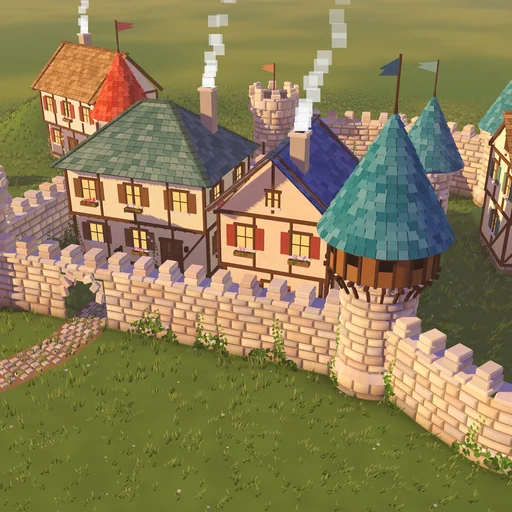
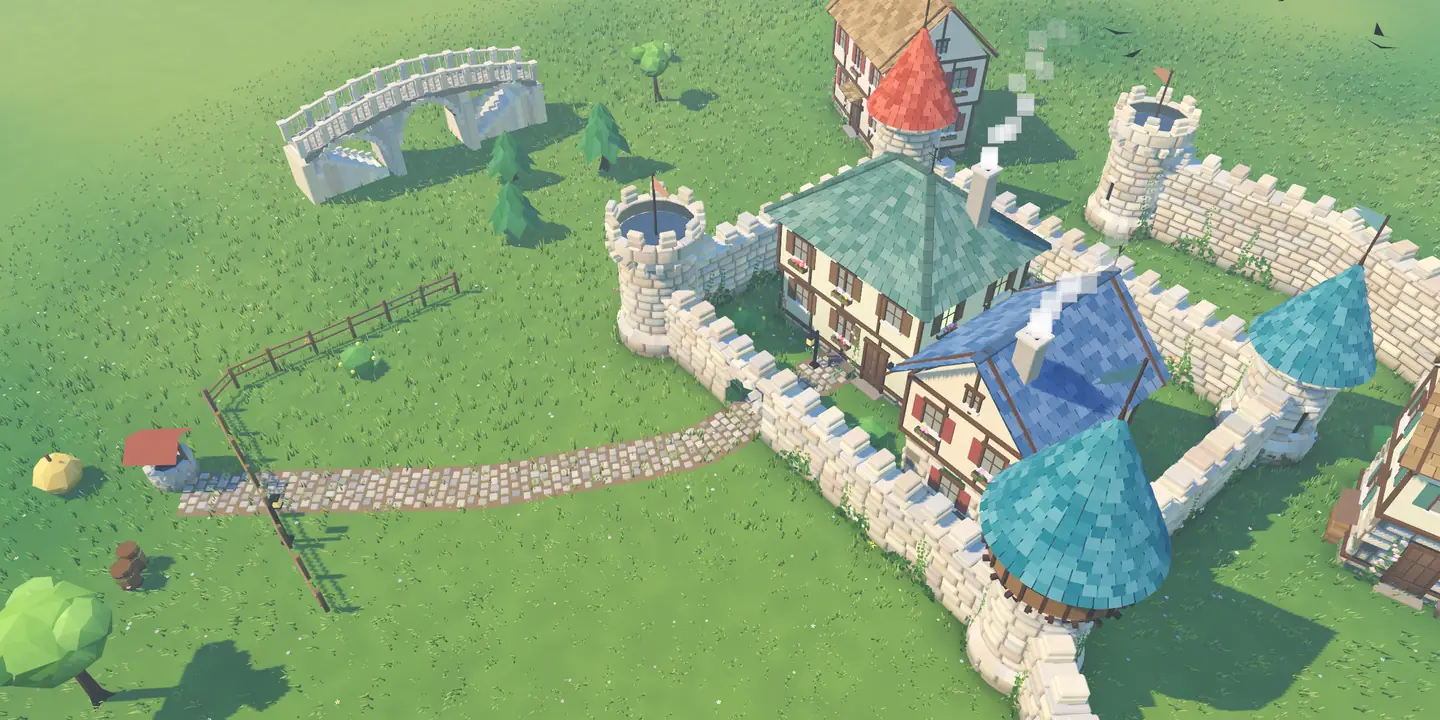
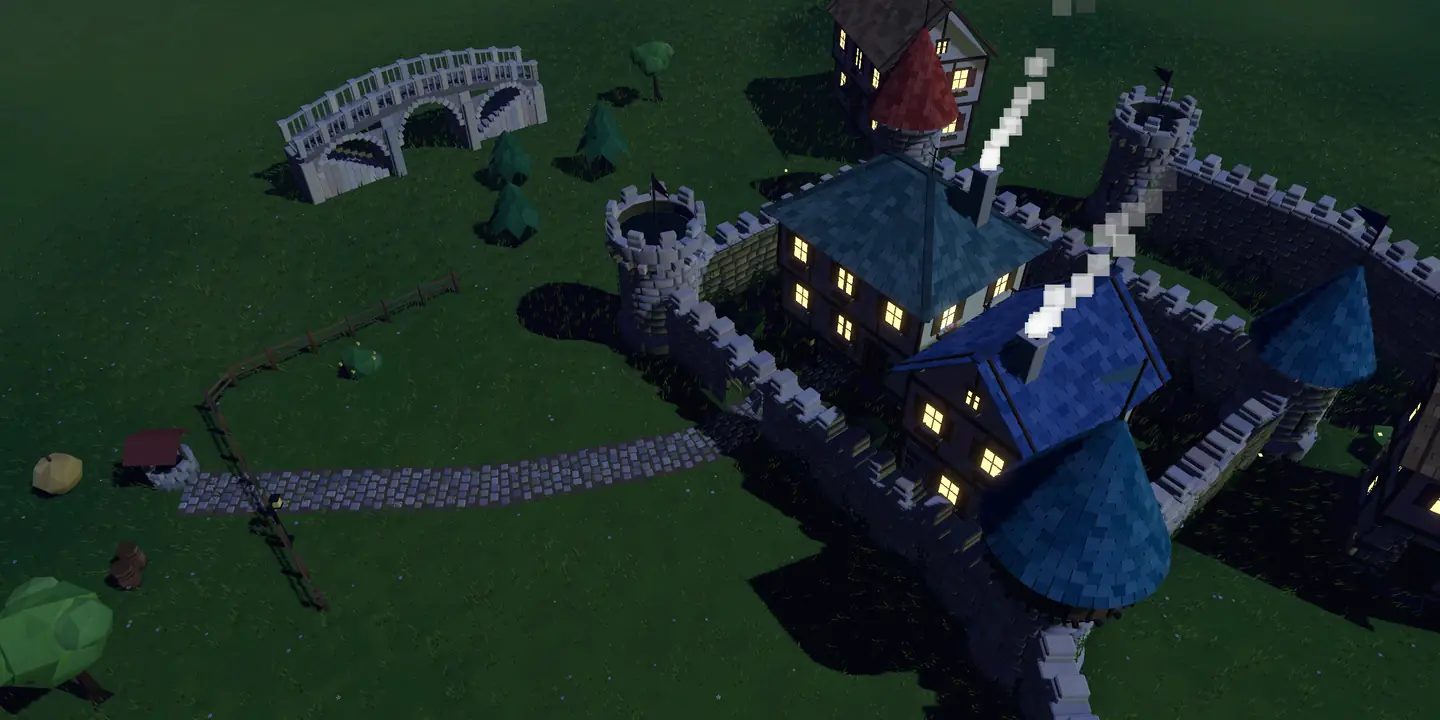
Drag a finger across the meadow: stones fall into place one by one, towers rise at the turns, and a path through the wall opens an arched gate. No goals, no timers, no way to lose; just a meadow and a handful of stones.
$2.99 once · no ads, no subscription, no in-app purchases
- Works offline
- No account
- No data collected
Seven tools, one finger
The toolbar below is the same one as in the game. Tap a tool to see what it does, in a shot rendered by the game’s own engine.
Walls build themselves
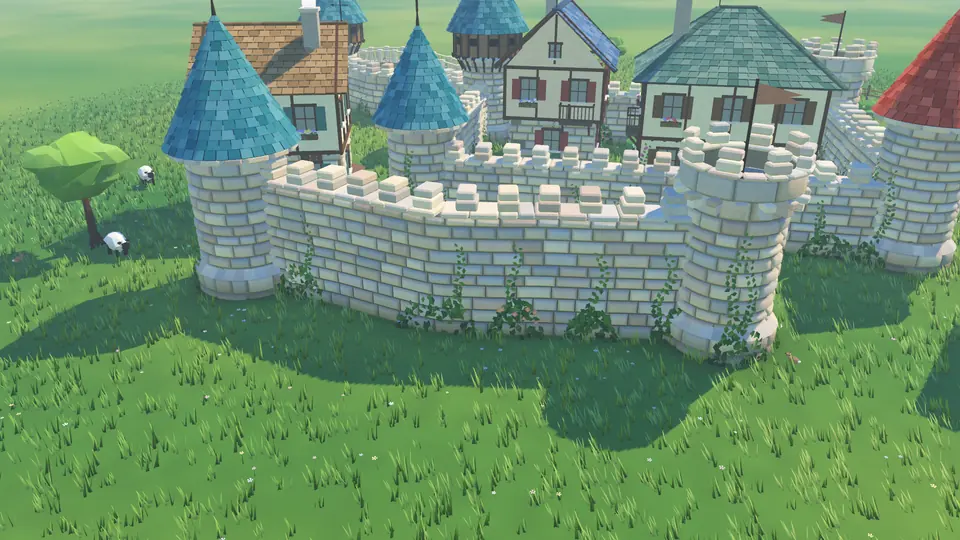
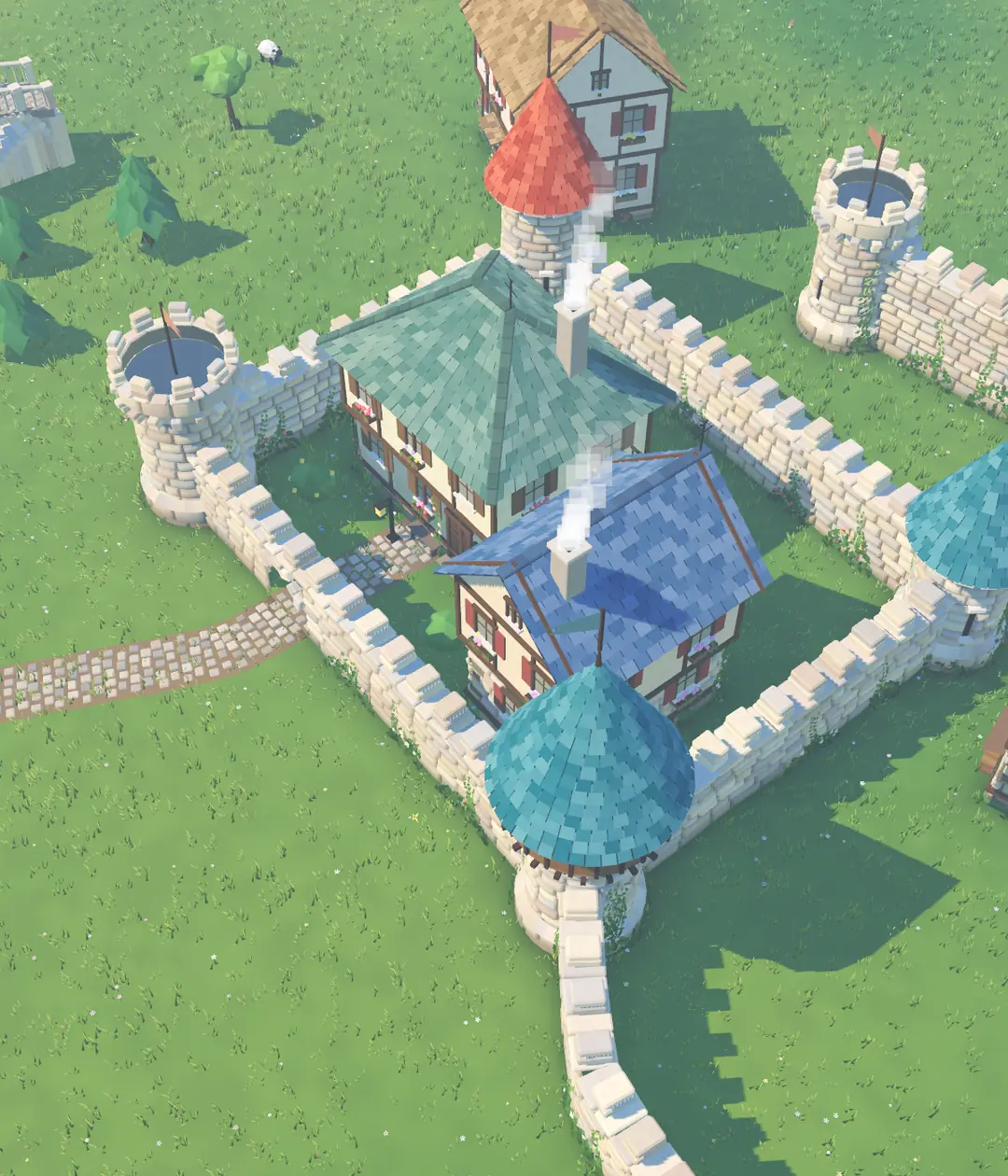
Drag a finger across the meadow and stones fall into place one by one, with battlements on top. With Auto tower on, round towers rise at sharp turns. There are four kinds (stone, ruin, arcade and fence) in three heights, and you can tap a finished wall to change its kind or height later.
“Drag: build a wall · tap a wall: change its height and kind”
- Stone
- Ruin
- Arcade
- Fence
- Low
- Mid
- High
- Auto tower
Camera and controls
- One fingerthe selected tool
- Two fingersrotate, pinch to zoom
- Two fingers side by side, drag upbird’s-eye view
- Undo and redoyour last 60 steps
No goals, just small joys
Kalecik has no quests, no score and no timer. The game still notices, though: when you build your first wall, reach a fifth house or your first pond gets its fish, a small note appears at the top of the screen.
Your village saves itself after every change. Start a new village and the previous one is kept; you can go back to it from the settings.
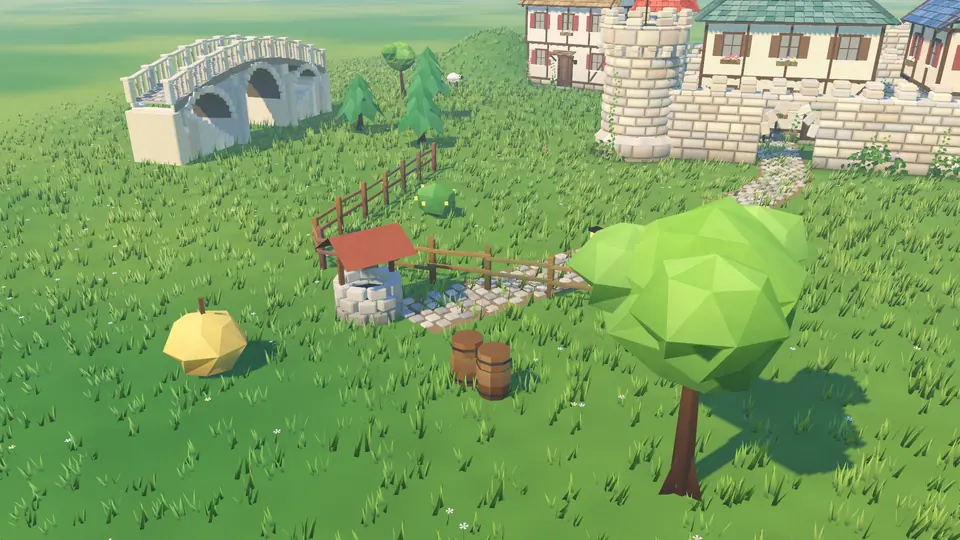
- First wall!
- First tower!
- First house!
- A village: 5 houses
- A gate through the wall
- A little grove: 10 trees
- A pond, fish and all
- Bridge joined
The meadow lives on its own
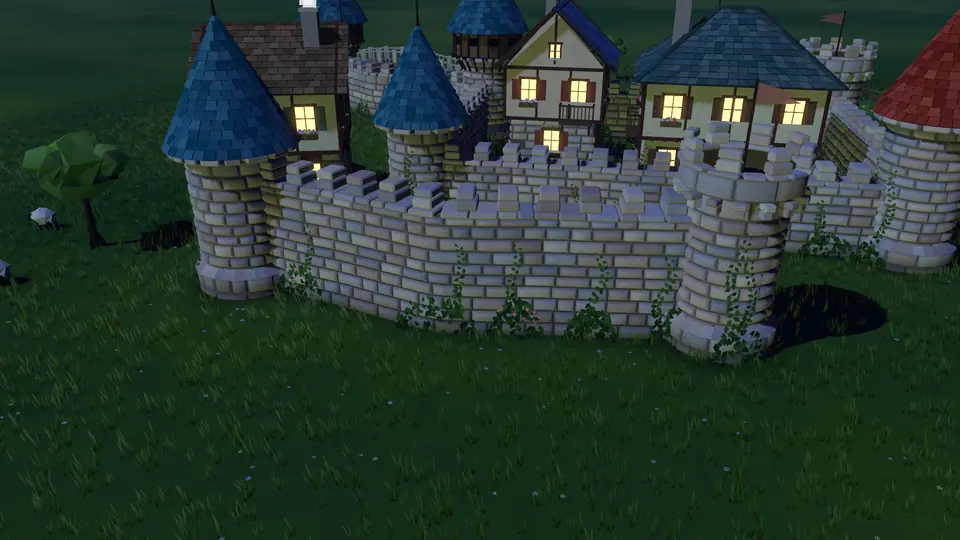
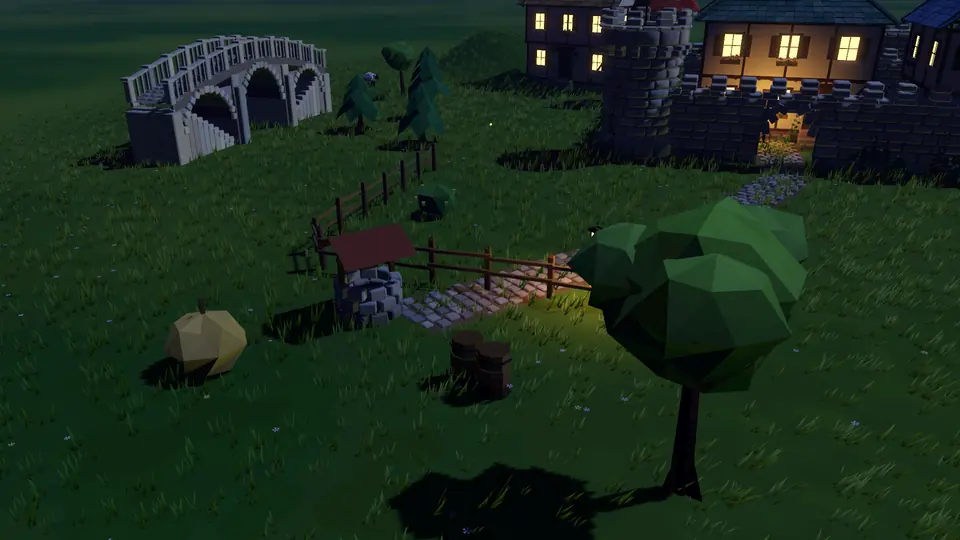
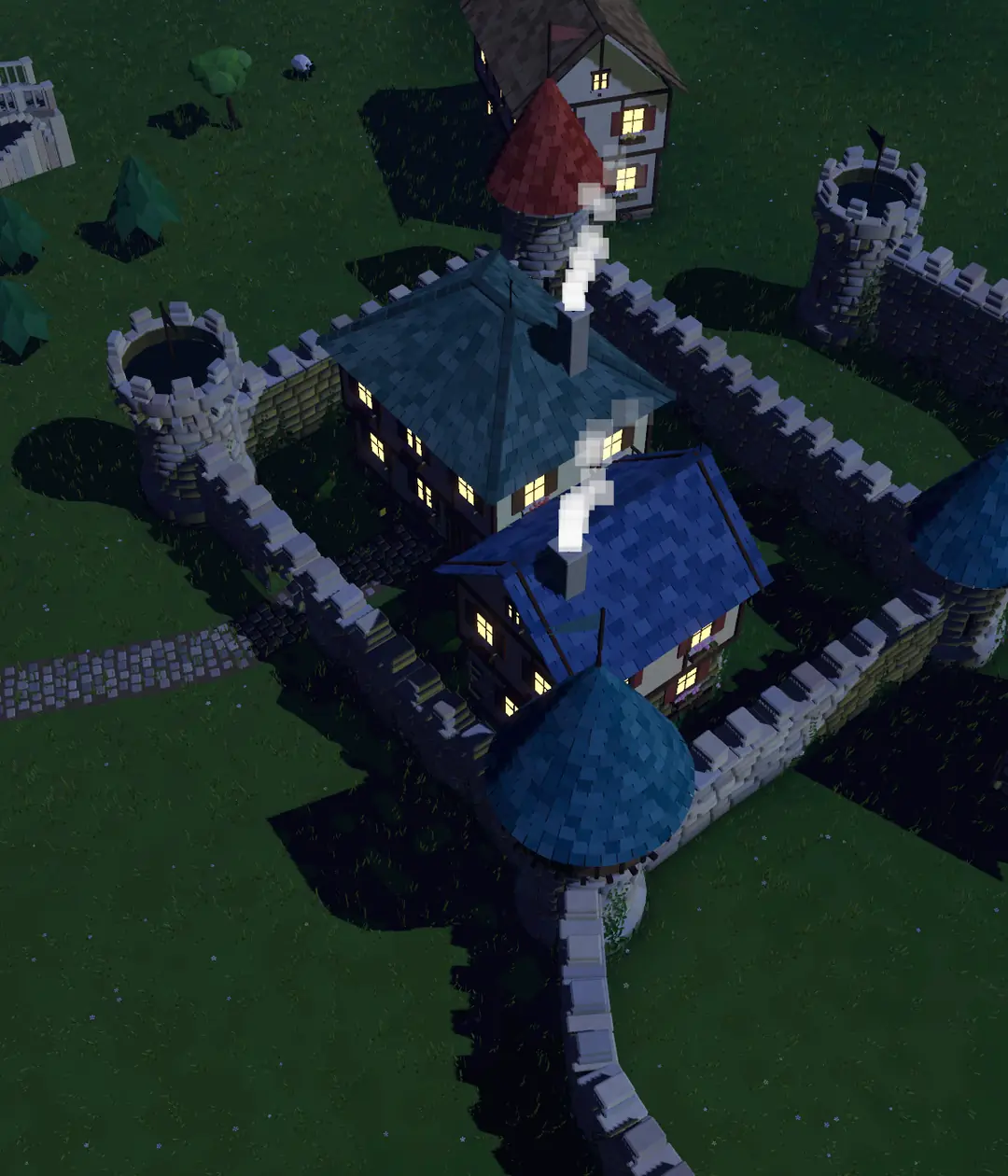
Sheep wander between the houses, graze, and head down to the pond for a drink. There are birds overhead, fish and ducklings in the ponds, and rabbits, butterflies and bees in the meadow. Grow a forest and deer come to its edge while a fox roams inside; in a big one, if you’re lucky, you might even spot a shy bear. At night fireflies glow and owls call.
What you’ll hear
Thirty-seven music pieces made for the game play separately for day, evening, night and winter. Long quiet gaps sit between them, and a piece only comes back after all the others have played. By day you hear birds and leaves, at night crickets and an owl, and water laps as you get close to a pond. Music, sound effects and vibration each switch off separately in the settings.
Buy it once, it’s all yours
Kalecik is a paid game. You buy it once on the App Store, and every tool, all four times of day and photo mode are unlocked from day one.
Version 1.0 is being prepared for App Store review. Once it’s live, this button takes you straight to the App Store.
Kalecik
iPhone · iPad
$2.99one-time
- No ads
- No in-app purchases
- No subscription
- No account needed
- iPhone and iPad
- Works offline
US price. Prices vary by country; Apple handles the payment, and your payment details never reach the developer.
Privacy: nothing is collected
Kalecik never connects to the internet and collects no data at all. No ads, accounts, analytics, tracking or third-party SDKs; your village stays on your device. To save to Photos, photo mode asks for add-only access, so the game can’t read your library.
Need help?
Found a bug, something not working as expected, or have an idea? Write to the developer directly.
Including your device model, iOS version and a short description (a screenshot helps too) speeds things up. Emails are usually answered within 48 hours.
Frequently asked questions
Is Kalecik a paid game?
Yes. You buy it once on the App Store ($2.99 in the US). After that there are no ads, no subscription and no in-app purchases; everything is unlocked.
Do I need an internet connection?
No. Kalecik works completely offline and never sends any data over the internet.
Can I play on iPad?
Yes. Kalecik runs on both iPhone and iPad.
Where is my village saved?
Your village is saved automatically after every change, on your device only. There is no cloud sync, so it does not move to another device by itself, and deleting the app deletes your village. When you start a new village, the previous one is kept and you can return to it from the settings.
Where do my photos go?
When you press the shutter in photo mode, the shot is first saved to the app’s own folder. If you allow it, the same shot is added to Photos too; if not, it stays in the Files app under On My iPhone › Kalecik › photos.
How do the controls work?
One finger uses the selected tool. Two fingers rotate the camera and pinch to zoom; put two fingers side by side and drag up for a bird’s-eye view. Undo and redo keep your last 60 steps.
The meadow is waiting.
Works offline · No ads or subscription · No account · No data collected